
10 Free Developer Tools for Debugging APIs, JSON, JWT, and Base64
Developer tools for debugging are essential for modern software teams working with APIs, JSON data, JWT authentication, Base64 strings, and scheduled automation. Even small debugging tasks can consume a surprising amount of time when raw data is difficult to read or encoded values are not immediately understandable.
In daily development workflows, engineers often need to format JSON responses, inspect authentication tokens, decode Base64 strings, generate UUIDs, and test cron expressions. These tasks may seem simple, but without the right utilities they quickly become repetitive and frustrating.
That is why browser-based developer tools for debugging remain so useful. They allow developers to solve small but frequent problems instantly without opening extra software, writing temporary scripts, or interrupting their workflow.
In this article, we highlight 10 free tools that help developers debug APIs faster and work more efficiently with structured data.
Why developer tools for debugging matter
Best developer tools for debugging APIs
Modern applications rely heavily on APIs, encoded values, authentication tokens, and machine-readable data. As systems become more connected, debugging also becomes more dependent on speed and clarity.
A good set of developer tools for debugging helps engineers:
Read complex API responses more easily
Spot malformed JSON quickly
Inspect JWT payloads during authentication testing
Convert Base64 values without writing helper scripts
Generate test data for development and QA
If you want to explore a full set of browser-based utilities, visit ToolPilot.
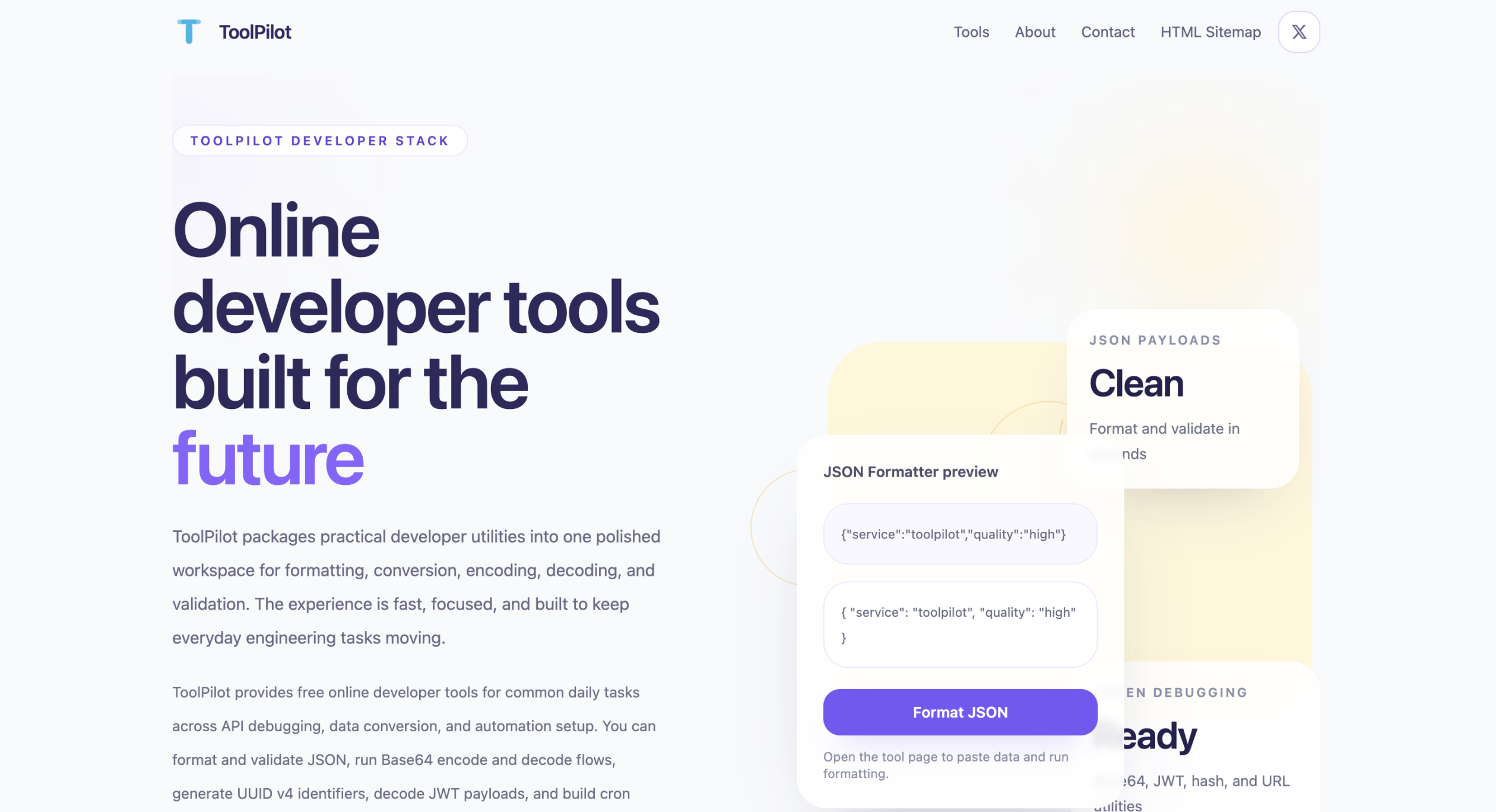
JSON Formatter
JSON is one of the most common data formats in web and mobile development. However, API responses are often returned as compact single-line payloads that are difficult to read.
A JSON formatter helps developers beautify raw JSON and inspect nested structures quickly.
Try the JSON Formatter tool.
JWT Decoder
JWT tokens are widely used in authentication systems but are not human-friendly when viewed in raw format.
A JWT decoder helps developers inspect the token header and payload to verify claims such as expiration time and issuer.
You can inspect tokens using this JWT Decoder tool.
Base64 Encoder and Decoder
Base64 encoding appears frequently in development workflows, especially in APIs and authentication systems.
Developers often need to convert encoded data back into readable form.
You can use this Base64 Encoder / Decoder tool.
UUID Generator
UUIDs are commonly used during development and testing when generating unique identifiers.
A fast UUID generator helps developers quickly create valid UUID values for testing APIs and databases.
Final thoughts
The best developer tools for debugging are the ones that remove friction from everyday development tasks.
Tools like JSON formatters, JWT decoders, Base64 converters, and UUID generators help engineers debug APIs faster and work more efficiently.
You can explore the full collection of tools at ToolPilot.
You can also visit our studio website at Golden Sea Studio.
Common debugging workflow for developers
When developers debug APIs or backend services, they usually follow a consistent workflow. First, they inspect the API response and format the JSON data so it becomes easier to read. Next, they verify authentication tokens such as JWT values to confirm that the request is valid.
After that, developers often decode Base64 values or timestamps that appear inside API responses. If the request contains encoded parameters, they may also need URL decoding tools. During testing, engineers frequently generate UUID values for temporary identifiers and verify scheduled tasks using cron generators.
Using browser-based developer tools for debugging significantly speeds up this workflow. Instead of switching between multiple websites or writing quick scripts locally, developers can perform these operations instantly inside a single toolkit.
This is especially helpful when debugging production incidents, inspecting logs, or testing integrations between multiple services.
