
Prompt Library for Teams: How to Use AI Better at Work
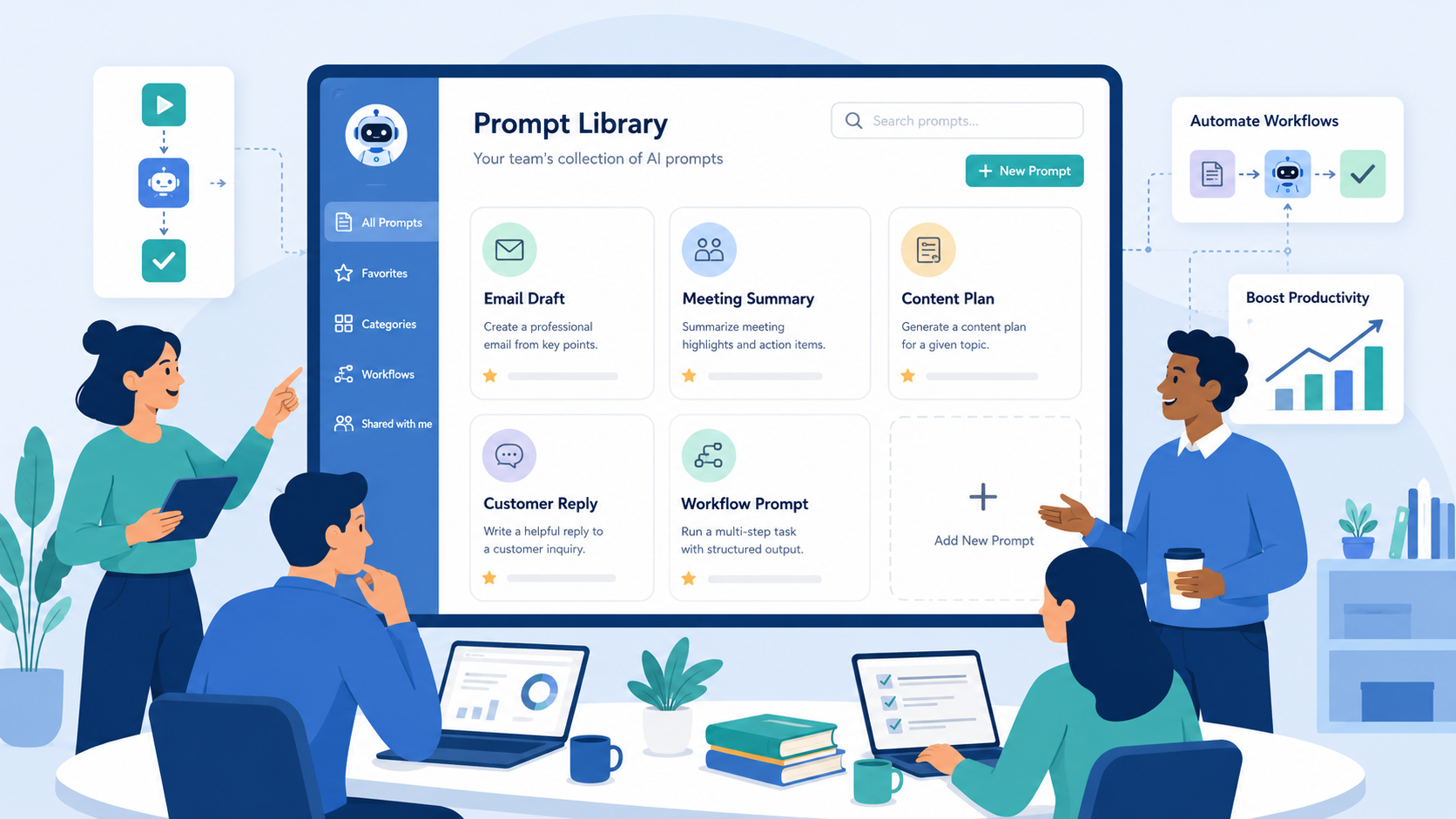
A prompt library for teams helps businesses use AI in a more organized way. Instead of asking AI random questions every time, your team can keep a shared collection of tested prompts for daily tasks like emails, meeting summaries, content ideas, customer replies, reports, and internal updates.
Many businesses already use AI at work. However, not every team uses it with the same quality or structure. One person may get strong results because they write clear prompts, while another may get weak results because their instructions are too short.
This creates inconsistent output across the team.
A prompt library for teams solves this problem by giving everyone a reliable starting point. It saves time, improves consistency, and helps people use AI with more confidence.
What Is a Prompt Library for Teams?
A prompt library for teams is a shared collection of reusable AI prompts for specific business tasks.
Your team can use these prompts for email writing, content planning, meeting summaries, customer support replies, feedback analysis, reports, proposals, and internal communication.
For example, instead of asking AI to “write an email,” your team can use a more detailed prompt:
Write a professional follow-up email to a potential client who asked about our service. Keep the tone friendly, clear, and concise. Include a short summary of the benefits, suggest the next step, and end with a polite call to action.
This prompt gives AI more context. As a result, the output becomes clearer, more useful, and easier to edit.
Why Businesses Need a Prompt Library for Teams
The biggest benefit of a prompt library for teams is consistency.
When every team member writes prompts differently, AI results can vary a lot. Some outputs may sound professional, while others may feel too generic, too long, or unclear. This slows the team down because people need to spend more time editing or rewriting content.
A shared prompt library gives the team a clear structure. Everyone can start with tested prompts that already work well for common tasks. This reduces repeated work and makes AI output more predictable.
New employees also benefit from this system. With a prompt library for teams, they can quickly learn how the company uses AI and which prompts work best for each task.
How a Prompt Library Improves Productivity
AI can save time when people give it clear instructions.
A vague prompt often creates a vague answer. Then the user has to rewrite the request, edit the result heavily, or start again. That process wastes time instead of saving it.
A prompt library for teams helps avoid this problem. It gives people ready-to-use prompts with clear structure and useful context.
Marketing teams can use prompts for blog ideas, social media captions, campaign outlines, and content calendars. Sales teams can use prompts for follow-up emails, lead summaries, and proposal drafts. Customer support teams can use prompts for reply drafts, ticket summaries, and issue classification.
A prompt library for teams also helps different departments use AI in the same clear and organized way. When everyone follows the same structure, the whole team can work faster and create more consistent results.
What Should a Prompt Library Include?
A good prompt library should stay simple, practical, and easy to use.
Start by choosing tasks your team repeats often. These tasks usually give the best return when supported by AI.
Common prompt categories include email writing, meeting summaries, customer support replies, content planning, report summaries, proposal writing, task updates, feedback analysis, and internal communication.
Each prompt should give AI enough context to complete the task well. A useful prompt usually explains the role, goal, audience, tone, format, and expected output.
For example, a content planning prompt should tell AI what type of business it is writing for, who the target audience is, what the content goal is, and what format the final answer should follow.
Clear prompts usually create better results.
Example Prompt for Content Planning
A business content team can use this prompt:
Act as a content strategist for a company that provides AI automation services. Create a 7-day content plan for small business owners. The goal is to educate them about AI productivity, automation setup, and practical ways to save time. For each day, include the topic, hook, key points, and call to action.
This prompt works well because it gives AI a clear role, audience, topic, goal, and output format.
Instead of asking for general content ideas, the team gets a structured plan that they can edit and use faster.
Example Prompt for Meeting Summaries
A prompt library for teams can also include meeting summary prompts.
Here is one example:
Summarize the following meeting notes into four sections: key discussion points, decisions made, action items, and next steps. Keep the summary clear and concise. If the notes mention any deadline or responsible person, include that information in the action item list.
This prompt helps the team turn long meeting notes into clear summaries. It also helps people remember decisions and follow-up tasks after the meeting.
Example Prompt for Customer Support
Customer support teams can use reusable prompts to respond faster.
Here is one example:
Read the customer message below and draft a helpful reply. Keep the tone polite, professional, and easy to understand. First, summarize the customer’s issue. Then provide a clear response. If more information is needed, ask a simple follow-up question.
This prompt helps support teams create a strong first draft.
A team member should still review the final message before sending it to the customer. Human review keeps the response accurate, natural, and appropriate.
How to Organize a Prompt Library for Teams
A prompt library for teams should be easy to find and easy to update.
Your team can keep it in a shared document, workspace, spreadsheet, or internal knowledge base. The format matters less than the usability. Everyone should know where to find the prompts and how to use them.
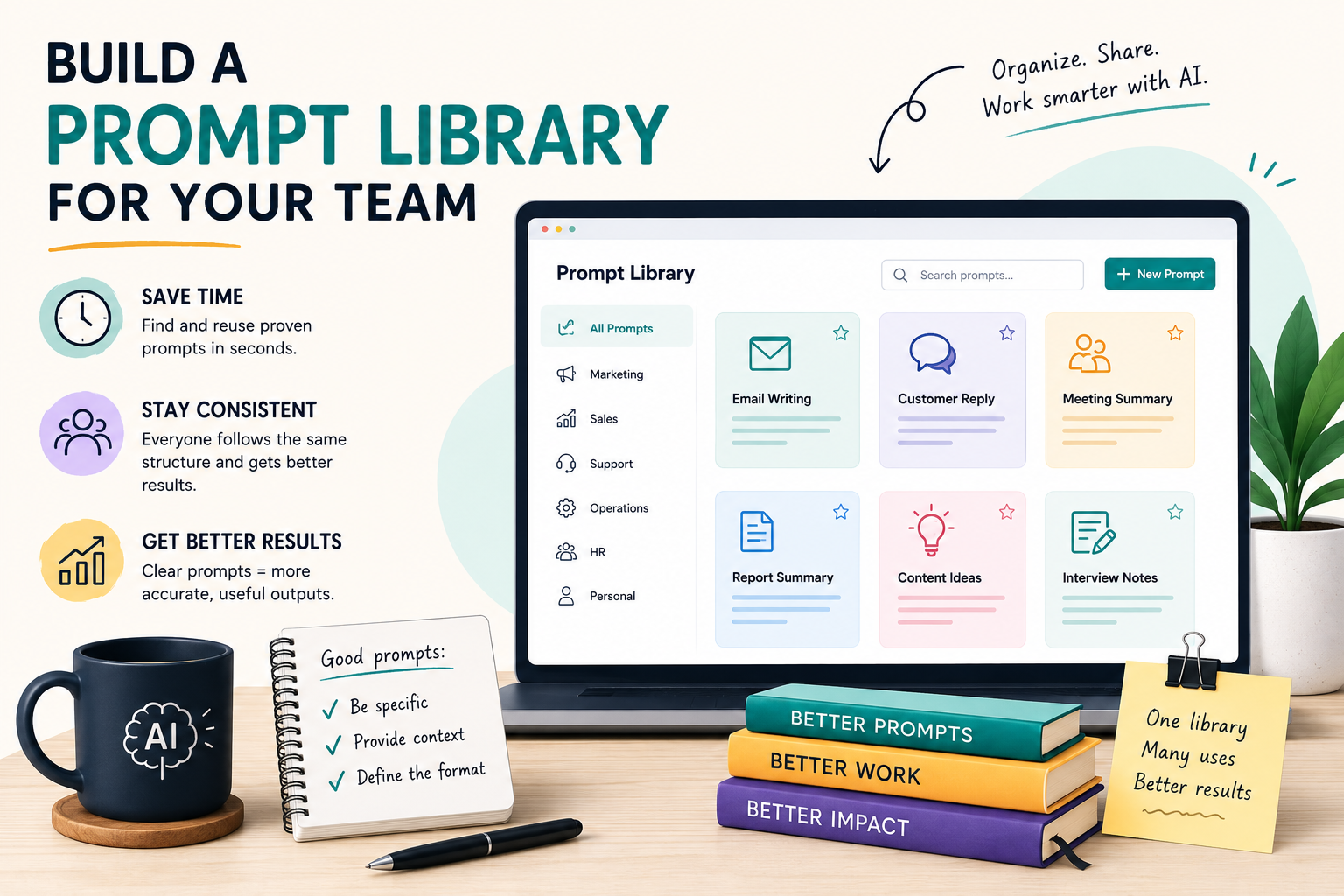
You can organize prompts by task type, team, use case, and output format.
For example, create one section for marketing prompts, one for sales prompts, one for customer support prompts, and one for internal operations.
Each prompt should have a clear name, a short explanation, and the full prompt text. This structure makes the library easier to use as the team grows.
Start Small and Improve Over Time
A prompt library for teams does not need to be large at the beginning.
Start with five to ten tasks your team repeats often. Write prompts for those tasks, test the results, improve the wording, and add more prompts over time.
The best prompt libraries grow through real usage. As your team uses the prompts, they will notice what works and what needs improvement.
Some prompts may need a clearer tone. Others may need a shorter output or more context. Regular updates keep the library useful and relevant.
Keep Human Review in the Workflow
A prompt library can make AI more useful, but it should not remove human judgment.
AI can help draft, summarize, organize, and suggest ideas. However, people should still review the final output, especially when the content involves customers, contracts, financial decisions, legal topics, or sensitive business information.
The goal is not to let AI make every decision. A better goal is to help the team move faster while keeping quality and control.
A prompt library for teams works best when AI supports people. It should help the team reduce repetitive work and focus on higher-value tasks.
When your team maintains it properly, a prompt library for teams becomes a useful internal resource for daily productivity.
Final Thoughts
A prompt library for teams is one of the simplest ways to make AI more useful at work.
It helps businesses save time, reduce repeated work, improve consistency, and create better outputs from AI tools. Instead of letting every team member start from scratch, a prompt library gives everyone a shared system they can use and improve.
Start with common tasks. Write clear prompts. Test the results. Then update the library as your team learns what works best.
AI becomes more powerful when people know how to guide it.
A strong prompt library for teams turns AI from a random tool into a practical part of daily business workflow.
Contact Golden Sea Studios:
Website: goldenseastudios.com
Email: info@goldenseastudios.com
Social Media: @goldenseastudios (Twitter, Instagram, Facebook)
Telegram: @goldenseastudio
We are available online to assist you with any inquiries or collaborations. Reach out to us through these channels and let’s connect!
