Short answer: AI video from product photos is useful when a marketing team already has authentic images, approved product information, and a recurring need for short videos. AI can help propose a script, arrange shots, add motion, draft narration, and prepare captions. A person still needs to check whether the product has changed, whether every claim is accurate, and whether the clip is worth publishing. An attractive image does not automatically become an effective ad. The viewer must understand the product and the next step.
Start with the question the clip must answer
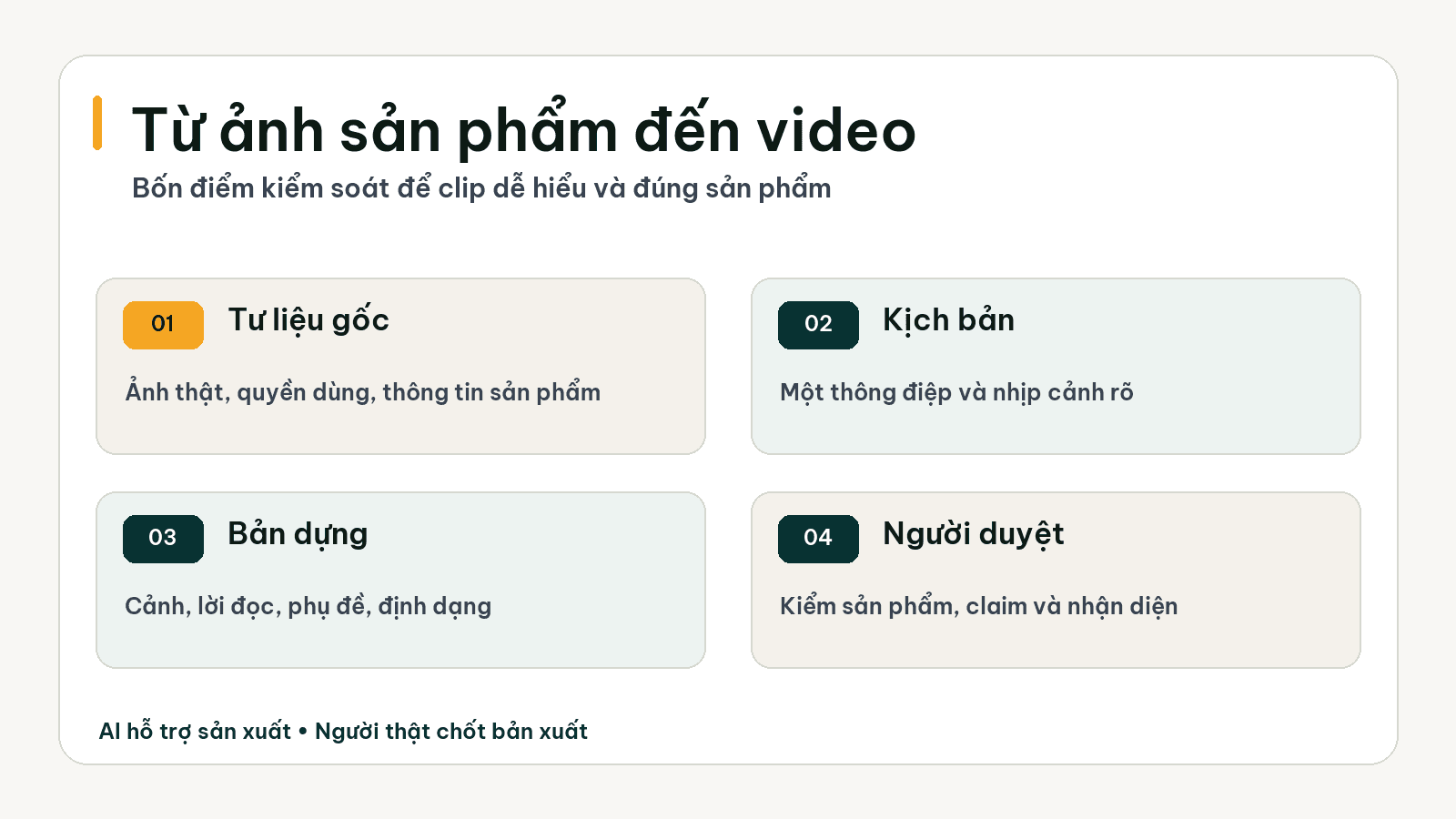
Before opening a video tool, write one sentence: what should a customer understand after watching? A clip introducing materials, one demonstrating use, and one answering a frequent question require different pacing, even for the same product. A brief that says only “make a product video” leaves the tool to fill the gaps with attractive motion and little sales substance. Decide the main message, audience, channel, and desired action first. Only then can the shot list, voiceover, and length serve a clear purpose.
Separate a video that shows the product from one that proves a benefit. A packshot can show the shape, color, or packaging. It rarely proves durability, the experience of use, or a before-and-after result. Such claims need authentic material, evidence, and sometimes new footage. This boundary tells the media team when AI can remove production work and when a camera or specialist is still needed.
What should the source image set contain?
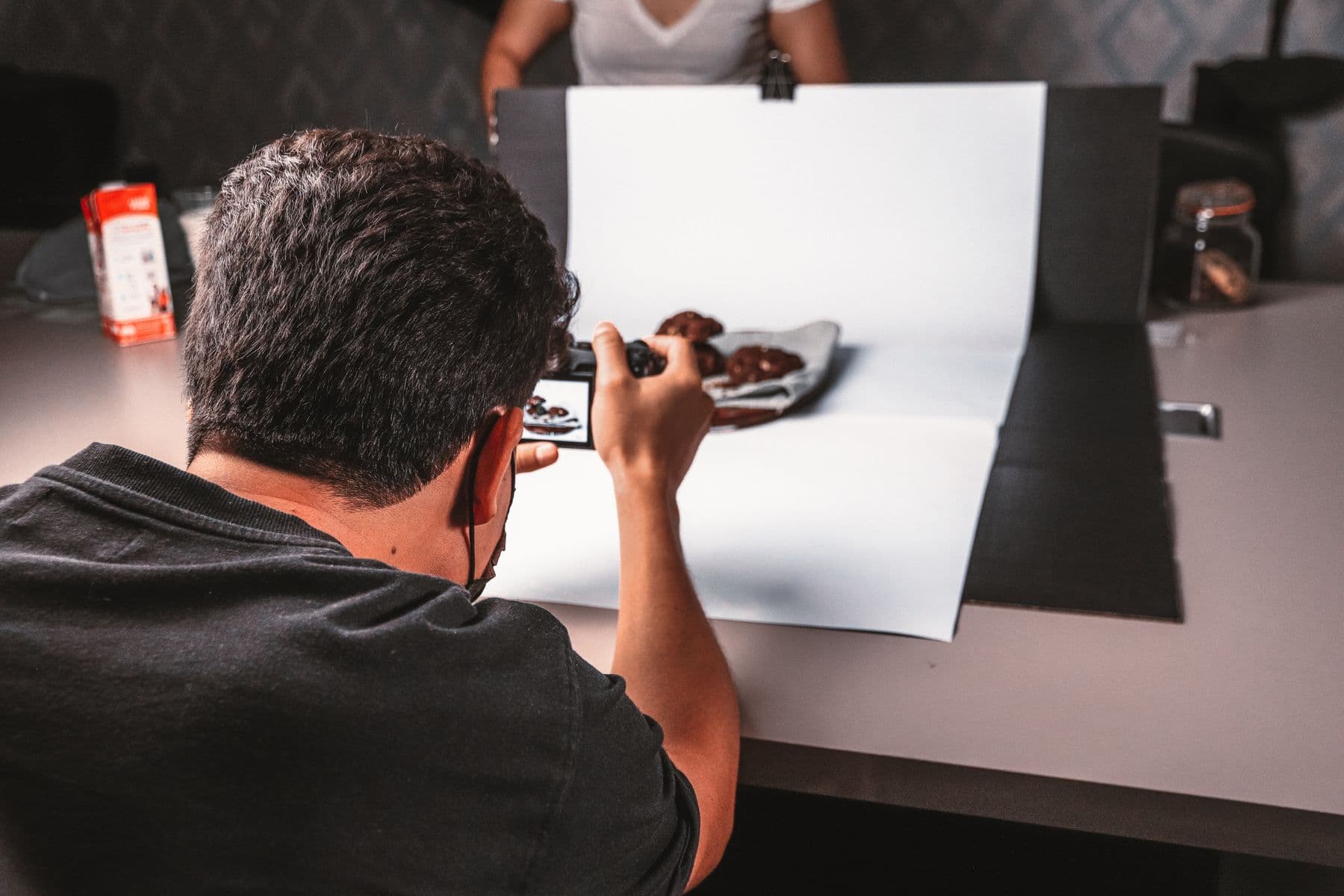
A useful input set includes a clear main product image, several additional angles, close details, a correct logo, version or size information, approved claims, and a list of things that must not be said. Images should be well lit, show the features buyers need to see, and carry commercial usage rights. With one blurry or obstructed picture, AI may guess the missing parts. The resulting clip may look smooth while product details become inaccurate. For a physical product, wrong colors, labels, shapes, or accessories are serious errors.
Do not hand over an unlabeled folder. Name files by product, variant, view, and rights status. Attach a short document containing the current price, time-limited offers, approved specifications, banned language, and final approver. If an image includes a person, another brand, or a customer's premises, confirm permission before using it with a tool. Scattered sources create extra revision rounds regardless of how fast the video generator runs.
From photos to script: make each shot explain something
A strong script divides the message into shots with distinct jobs. The opening states a problem or shows the product clearly. The next shot highlights a detail that deserves attention. Another explains a verifiable benefit. The closing shot tells the viewer where to learn more, ask a question, or get in touch. Avoid adding shots only because their motion looks impressive. When narration describes a material while the picture circles a logo, viewers must connect two unrelated pieces of information by themselves.
Illustrative example: a business has three views of a bottled drink, a label photo, and an approved ingredient sheet. An awareness clip could show the bottle, label, and packaging. A question-answer clip could ask “What is in the bottle?” and then show the actual ingredient information on the label. It must not invent a health benefit or performance claim. This example describes task design only; Golden Sea does not claim to have produced a clip or achieved sales results for that business.
Add motion while keeping the product accurate
In an image-to-video tool, prefer restrained camera motion, perspective changes within what the source image supports, and transitions with a purpose. After each generation pass, compare important frames with the real photograph: is the logo spelled correctly, has the label changed, are colors accurate, and have hands or accessories appeared without reason? If every product detail must be exact, a controlled edit of authentic imagery, pan, or zoom may be more reliable than a newly generated scene. Choose the method by the required fidelity rather than by novelty.
Narration and captions must follow the visuals. Write short sentences so viewers have time to inspect the detail being described. Check the product name, Vietnamese diacritics, units, and brand pronunciation. Keep music below the voice. Then preview the export in the channel's real aspect ratio. Safe text zones and visible product area change between vertical, square, and landscape videos. Stretching one master file across channels is rarely a good distribution plan.
Quality checks before approving a clip
Watch once as someone who has never heard of the product, then again as the brand owner. On the first pass, ask whether the product, main benefit, and next step are clear. On the second, compare every shot with the source image and verify labels, pricing, claims, logo, colors, sound, captions, and usage rights. If a generated shot introduces an unverified product feature, return the shot for correction rather than adjusting copy to conceal the visual error.
Keep the original assets, generation instructions, clip versions, and approver record. This lets the team update a promotion or export another size without starting again. It also helps answer “Where did this claim or image come from?” if a customer responds. For clips involving a real person, a real voice, or realistic synthetic likeness, also review each platform's disclosure rules before posting.
What does AI do and what does the team decide?
AI can organize source images, suggest storyboards, test pacing, prepare draft narration, align captions, and create exports for multiple aspect ratios. Marketers retain campaign goals, the story angle, approval of product information, visual review, the call to action, and publishing rights. If an experienced editor is already on the team, AI should give them more testable versions to evaluate. Their editorial judgment remains valuable. This division also exposes the real bottleneck: if the delay comes from missing approved images, another video tool will not solve it.
For a pilot, record actual time from brief to approved version, revision rounds, shots that must be remade, usable clips, and the responsible editor's quality assessment. Only compare time savings after capturing a baseline. View counts and export counts alone do not describe quality. One inaccurate clip can cost more to correct than the hours saved by earlier drafts.
Use a tool yourself or bring in an AI media service?
A single tool is enough when the team already owns the content calendar, visual checks, and editing and only wants to speed up one step. If content must appear consistently across several channels, assets are scattered, and every deliverable crosses multiple approval rounds, the larger need is an operating flow. Golden Sea's AI Media Room is designed to receive source material, produce drafts, request approval, and track deliverables at an agreed cadence. If the business wants its own team to operate the workflow and tools, AI Content System focuses on building and handing over that system.
The AI media team guide explains how to divide work with an existing team, while the AI content engine guide covers the flow from brief to measurement. To start a pilot, choose one product photo set with clear usage rights and one clip type that consumes the most team time. This is a narrow enough scope for a fair comparison.
Frequently asked questions
Is one photo enough for a product video?
It may be enough for a test, but one photo usually cannot verify many views or product details. Add authentic images or footage when the clip needs to show real features.
Should AI publish the video automatically?
Do not skip the product, claim, and brand review. Automated publication should follow clearly agreed channel rights and approval rules.
Can AI replace a video editor?
AI can handle repetitive steps and create test versions. An editor still decides the story rhythm, fixes visual errors, and signs off with the brand owner.