Short answer: Before you let AI touch customer service email, an SME should clean at least six data layers: policy and pricing sources, customer identity, ticket or lead status, owner and SLA, approved brand templates and guardrails, plus review logs after each message is sent. Official signals from Microsoft, Salesforce, and Zendesk in June and July 2026 all point in the same direction: AI email is only safe when the inputs, approval path, and audit loop are already under control.
Golden Sea's operating view: for most SMEs, AI should start by reading, classifying, and drafting support emails. Auto-send should come later, only after the data and policy layer are clean enough to contain mistakes.
Why move this topic up now?
The newest signals are no longer about which model sounds more human. Microsoft Learn now frames the Quality Evaluation Agent as a scoring layer for service cases and email, where the business must define the evaluation criteria, the record type, and the data fields used in the review. Microsoft Dynamics 365 has also extended that quality-evaluation framework to customer-facing email, including emails that staff co-author with AI. Zendesk updated its AI agent buying guide with a much more operational tone: before buying or enabling an agent, businesses should assess their current systems, data sources, workflows, and where human supervision is still required.
Salesforce adds the warning that matters most here: 44% of service leaders say fragmented systems and data silos have delayed or limited their AI projects. That shifts the real question from "can AI write a polite reply?" to "is that reply grounded in the right data, the right policy, and the right owner?"
The Vietnam context makes the issue even sharper. A July 8, 2026 Báo Đầu Tư article citing Cisco says only about 26% of Vietnamese companies are ready to operate AI at scale. That is not a customer-service-only statistic, but it is enough to show that most businesses are still building the data and governance foundation required before broad automation becomes safe.
Qualitative community signal supports the same conclusion. The July 21, 2026 scan across Reddit and Hacker News found a consistent operating preference: teams trust AI more when it classifies, summarizes, proposes a draft, and prepares context. They are far more cautious when AI sends external email on its own in cases involving pricing, refunds, complaints, or incomplete customer data. That is a synthesis from qualitative discussion, not a quantified market benchmark.
What does "clean data" for AI email actually mean?
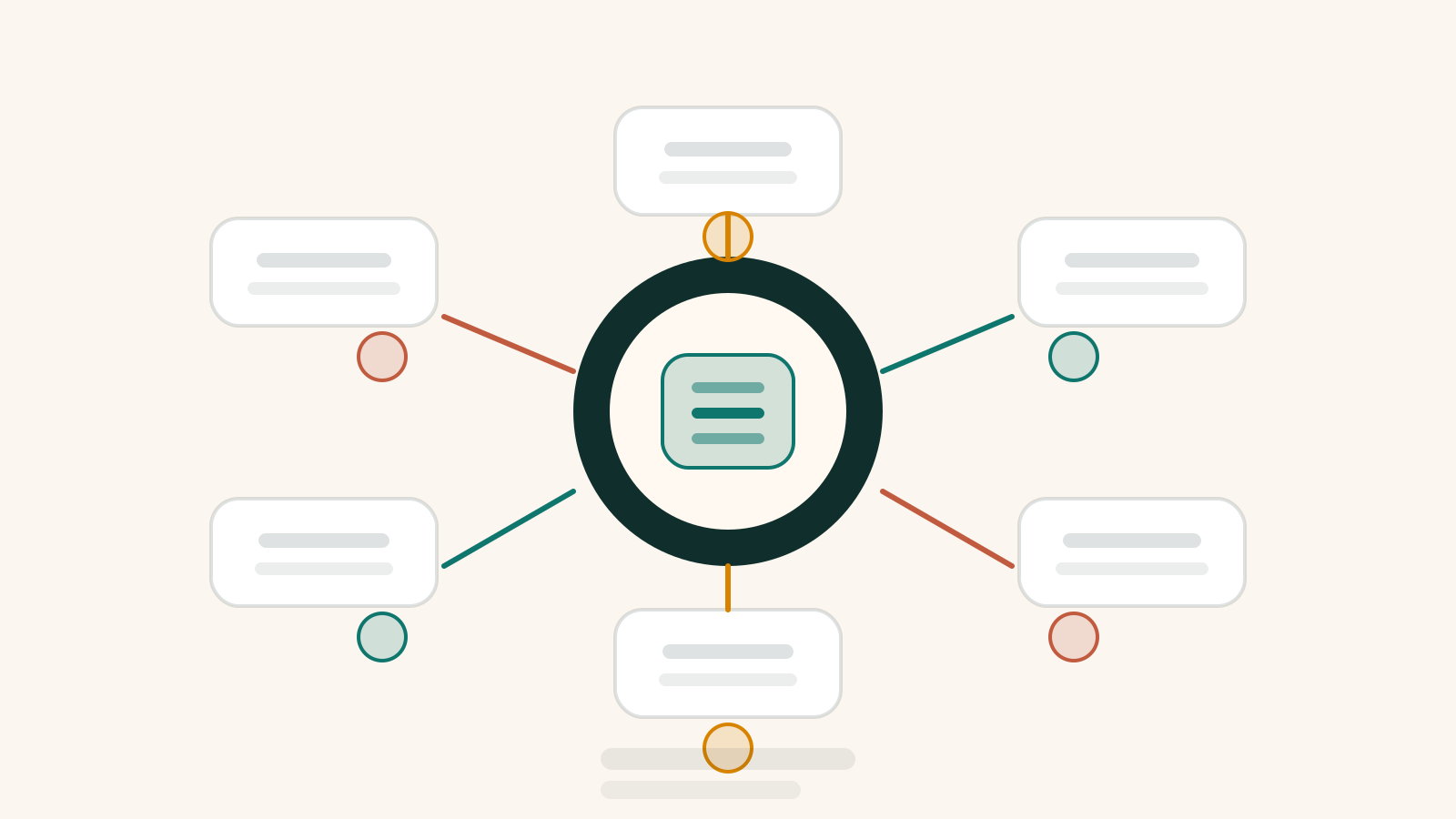
Many teams think clean data only means deduplicating the CRM. For AI-assisted support email, data is clean only when it gives the model enough context to respond correctly, gives reviewers enough control to catch risk, and gives operators enough traceability to audit complaints later. The six layers below are the minimum Golden Sea recommends before running a meaningful pilot.
| Data layer | What clean looks like | What breaks when it is dirty |
|---|---|---|
| Policy and knowledge sources | Every policy, price sheet, SLA, term, and FAQ has one authoritative source, an effective date, and an owner. | AI writes a polished reply using outdated pricing or a policy that is no longer valid. |
| Customer identity and history | Email, phone, customer ID, prior tickets, and buying status are reliably connected to one profile. | AI asks for information the customer already provided or uses the wrong history. |
| Case state and owner | Each thread has a clear status such as new, in progress, waiting on customer, escalated, or closed, plus a named owner. | AI follows up at the wrong time or touches a case that nobody actually owns. |
| Intent, priority, and restricted zones | You have a minimum taxonomy for intent, urgency, and message types that must never auto-send. | High-risk cases are treated like routine FAQs and never reach a human fast enough. |
| Templates, tone, and approval path | Approved templates exist, allowed AI-filled fields are defined, and the approval path is explicit. | AI produces text that sounds fine but violates brand, scope, or authorization rules. |
| Logs, review labels, and outcomes | You store the instruction version, knowledge source, final draft, reviewer, QA result, and post-send outcome. | The team cannot explain whether the failure came from data, prompt, template, or reviewer action. |
If a team is only clean on the first two layers but still lacks owner, approval path, or logging, AI can still help by drafting. It should not be treated as an autonomous sender yet.
The four data fields teams underestimate most
1. The effective-date field on knowledge
Policy is not just about correct content. It is about correct content on the correct date. A refund email based on an outdated rule can be more expensive than a chat answer that gets one FAQ wrong. For SMEs, simply adding an effective-date field and an owner to each active policy often removes a large class of avoidable AI mistakes.
2. The next-step owner field
Many systems store the sales owner or support agent, but not the person responsible for the next concrete action after this email. That creates a common failure: AI drafts a line such as "our team will get back to you shortly" even though no task or owner was actually assigned. In support email, a polite but ownerless promise is often worse than a slower response.
3. The review-required or confidence field
Not every email should flow through the same path. Opening-hours confirmations or receipt acknowledgements may be low risk. Pricing exceptions, refunds, medical-aftercare, or emotionally charged complaints require mandatory review. Without a field or rule for this, businesses struggle to separate auto-draft from auto-send safely.
4. The customer-identity confidence field
When an email arrives from a different address but references an older case, AI can easily connect it to the wrong person if identity rules are loose. A simple confidence flag, or a rule that says "if unsure, do not merge," prevents one of the most damaging email failures: the right answer sent to the wrong customer history.
The minimum architecture an SME needs before AI drafts support email
You do not need a massive warehouse or an enterprise contact-center stack to start. Golden Sea usually recommends a small loop that is observable and controlled:
- Standardized intake: all inbound email enters one queue or ticketing source instead of being split across personal inboxes, a shared Gmail, and CRM notes.
- Classification: AI reads the email, identifies intent, sets priority, detects sensitive cases, and identifies missing data.
- Grounding: the system only exposes approved policy, order status, case history, and vetted templates.
- Draft-first: AI prepares a reply draft with internal source awareness or at least a clear note on what it relied on.
- Human gate: the owner reviews, edits, and sends messages that still fall short of safe auto-send.
- Review loop: QA samples messages, logs failures, and feeds fixes back into policy or templates.
The critical point is to avoid letting AI jump straight from inbox to send. Without a checkpoint in the middle, the team discovers errors only after the customer has already read them.
When should AI draft but not send?
| Risk level | Example | Recommendation |
|---|---|---|
| Low | Acknowledging receipt, stating response time, sharing a fixed document checklist | Can auto-send once policy, template, and ownership are stable |
| Medium | Explaining order status, rescheduling an appointment, replying to repetitive questions that still require customer context | Prefer AI draft plus human approval in the early phase |
| High | Refunds, price exceptions, complaints, medical or legal edge cases, explanations tied to major business risk | AI should summarize and structure only; a human should write or review tightly |
This is where community signal is useful. Recent discussion on Hacker News and Reddit repeats the same logic: users will tolerate AI if it helps support teams respond faster and with more context; they react badly when AI pretends to be human and makes promises nobody checked. For Golden Sea, draft-first is not a compromise. It is the safest way to buy learning without turning customers into the QA layer.
A 30-day checklist before scaling AI email volume
- Week 1: lock the source of truth for policy, pricing, SLA, and templates, and assign owners.
- Week 1: standardize at least four mandatory fields: reliable customer identity, case status, next-step owner, and risk flag.
- Week 2: run AI only for one narrow intent such as acknowledgement or case-status support.
- Week 2: force human review for any message involving pricing, refunds, health, legal risk, or visible customer frustration.
- Week 3: evaluate at least 30-50 messages across four dimensions: data grounding, response quality, policy risk, and operational follow-through.
- Week 4: compare the pilot to baseline on response time, edit rate, escalation rate, policy failures, and log completeness.
If the edit rate stays high after 30 days, do not assume the model is weak. First inspect which data layer is still dirty. In many cases, bad AI writing is actually bad AI grounding: wrong record, wrong status, wrong template, or wrong policy version.
Which KPIs matter more than speed alone?
- Draft acceptance rate: how often the draft goes out with only minor edits.
- Critical policy fail rate: the share of emails that violate pricing, refund, or restricted-zone rules.
- Missing-context rate: how often reviewers must leave the queue to hunt for information elsewhere.
- Escalation correctness: whether cases that needed human takeover were routed correctly.
- Audit completeness: whether every email has enough traceability for post-incident review.
This is where Microsoft and Zendesk converge on the same operating truth: quality cannot be measured by phrasing alone. It has to include data, workflow, and real outcome after the reply is sent.
Five implementation mistakes that make AI email create more work
- Using a knowledge base with no version control. The faster AI works, the faster it multiplies the same mistake.
- Giving AI access to the whole CRM instead of the minimum relevant fields. That increases noise and privacy risk.
- Failing to separate drafting from sending. Reviewers lose control of the last mile.
- Not storing why a case was escalated. The team cannot tell whether the problem was missing data, unclear policy, or weak prompt design.
- No owner for fixing source data. Every failure is patched manually and then repeated again next week.
When should you pause support-email automation?
If the business still shows these three signs, keep the work in `NEEDS_WORK` instead of forcing automation: ticket and lead statuses are inconsistent, the same customer question still has multiple answers in different systems, and no reviewer owns the final responsibility for a message category. In that situation, AI simply helps the team send the wrong thing faster.
Golden Sea usually recommends starting with the most boring but measurable email types first: acknowledgement messages, triage replies, and reminder emails tied to stable policy. That is how teams build the data, review, and ownership layer before touching more complex cases.
Conclusion
The right question is not "can AI write email like a human yet?" It is "is our data layer clean enough that any AI-touched email can be traced, reviewed, and corrected?" For most SMEs, the safe path is to lock the source of truth, standardize owner and risk flags, let AI draft first, and open auto-send only for genuinely low-risk intents.
Read next: How fragmented data makes business AI go blind · AI customer service QA checklist · 24/7 AI customer service without losing trust · Automate 80%, hand the remaining 20% to humans · How to evaluate an AI automation partner before signing